Yogasūcī (योगसूची)
Class booking, passes and check-in for a yoga studio with more than one location — no server, no account, no monthly fee.
There is no central machine holding your data. It lives on your devices: the iPad at the front desk, your colleague's phone at the second location, your students' phones. When two of those devices meet, they bring each other up to date.
This is the difference You do not need an internet connection to check somebody in. You do not need an account to book. And nobody outside your studio can read your class lists — there is no place where they come together.
What that means day to day
It works when the internet is down. Check-in only needs the student's phone and your device to be in the same room.
No power and no router: the studio device makes the network itself. "In the same room" does not mean "on the same Wi-Fi". Two devices need a network in common to find each other — but no router and no line. Turn on the personal hotspot on the studio device (Android: Settings → Connections → Mobile hotspot; iPhone: Settings → Personal Hotspot) and have the student join it. Check-in then works as usual. No mobile data is spent: the devices talk to each other directly, not through the carrier. This is the way outdoors, on retreat, and anywhere the power is not dependable.
There is nobody to call. No provider who resets a password or restores a lost account. That is why this handbook keeps coming back to second devices and backups — not small print, but the price of nobody looking over your shoulder.
Some things you find out later. If two counters work without a connection at the same time, a pass can be redeemed twice. The app does not prevent that — it shows it, with both records, as soon as the devices meet again. More under What the app cannot do.
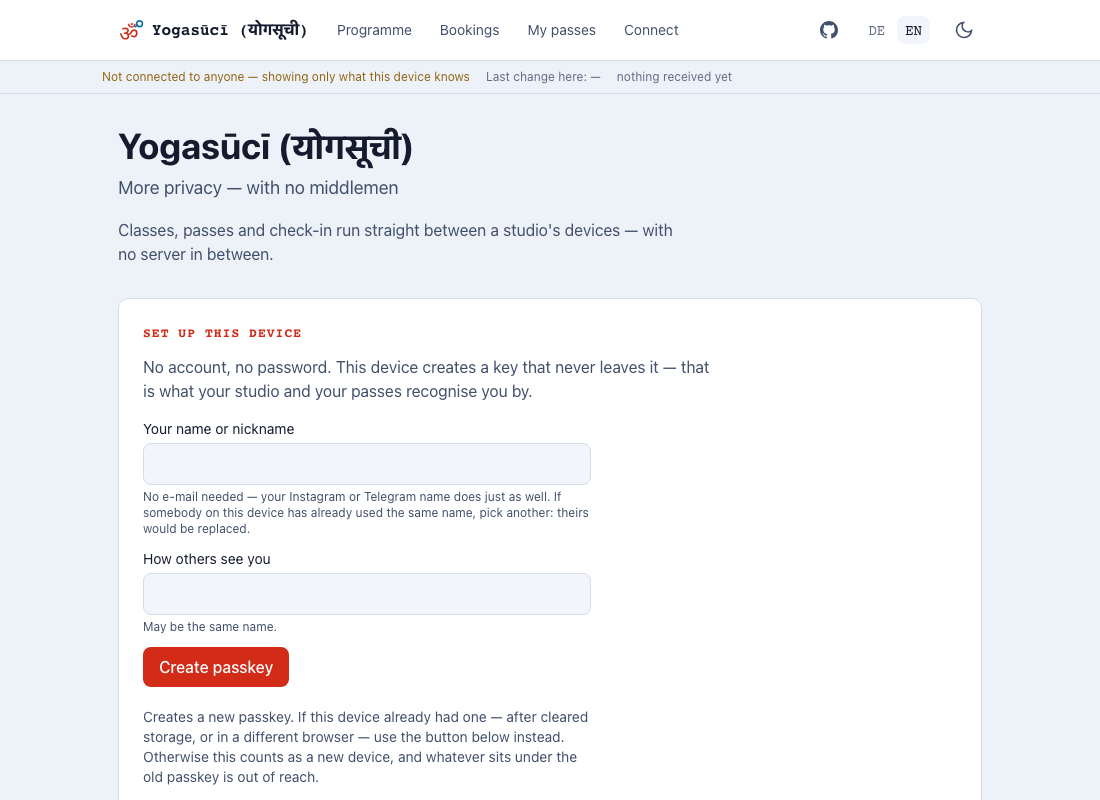
The first step is always the same. Whether you run a studio or go to yoga, the device creates a passkey first. What it becomes after that is decided by the next step and not by anything declared in advance — which is why nobody here asks who you are. If this device has had a passkey before, take the second button rather than the first.
Where the name comes from
Yogasūcī is Sanskrit, written योगसूची — yoga and sūcī joined.
सूची (sūcī) means needle first, and from there list, register, index. In present-day Hindi सूची is simply a list. Which is what this app is: a register of classes, passes and visits — not an account, not a portal, but a set of books somebody keeps.
The double meaning fits better than it had to. A needle points at something; a pass in this app points at every single entry its balance is counted from. Nothing is stored, everything is recounted.
The marks over ū and ī are not decoration: they mark long vowels in the standard scholarly transliteration (IAST). Roughly yoga-SOO-chee.
In technical names — hostnames, directories, package names — it is plain
yogasuci, without the marks and without Devanagari. Not out of convenience: a name
carrying diacritics through a URL or a command line gets mis-encoded somewhere, and
in a place where nobody notices at once.
What you see depends on the device
One app, not two. A studio device additionally shows Till, Check-in, Registry and Reconcile — a student's device does not, because those screens would do nothing there.
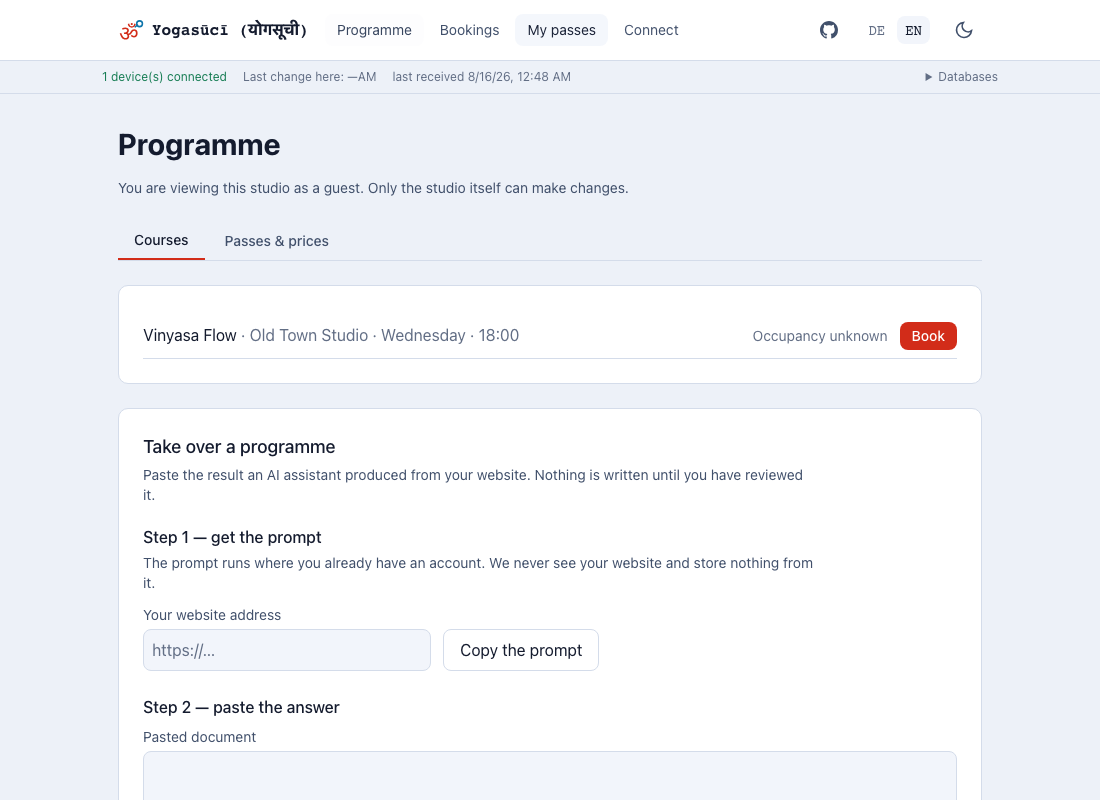
So the screens are separated, not the applications: the owner books classes herself, and her own bookings sit beside the incoming ones on one screen. Two separate apps would make her switch between them for two things she does in the same minute.
Where to start
| You are … | Start here |
|---|---|
| the owner, setting up | Setting up |
| at the desk, checking people in | Check-in |
| a student with a phone | Getting started |
If you want to know what is underneath, that is in the repository — this handbook does without.